∙
Cooper
∙
Reading time:
17 min

Doing the same job over and over in Slack - like putting tickets in order, giving updates, or bringing new folks on board - can take a lot of time and wear out your team. AI can help by doing these jobs for you, but the big change comes when you use both smart tools and people skills together. Why is this key? Because while bots do the simple work, people check for mistakes and add a warm touch, which is very important in places like health, money, or learning.
Here’s how smart ways to work in Slack can help you move fast but still care for folks:
AI does the boring jobs: It puts things in order, finds facts, and sends updates quick.
People check the tough stuff: For hard or touchy issues, people jump in to fix what bots can't.
AI tries to be kind: Some tools know how folks feel, change their words, and call for help if things get hard.
Works well with other tools: AI links up with teams like Salesforce or Notion so you get good info fast.
Set it up your way: Teams can change how AI talks and acts so it fits what they need and like.
Tools like Question Base let you use AI to help with Slack jobs and still keep things real and right. What does this mean? You get things done quick, folks don’t get too tired, and everyone feels better in the end.
Now, let’s look at how smart, caring AI is making work in Slack better for big teams.
I Made AI Agent for Slack in 5 minutes - Step-by-Step Tutorial
Simple AI Rules for Better Slack Workflows
Slack flows work best when they run fast and help people in a kind way. To do this, you need to use AI that feels less like a bot and more like a friend. Good AI puts people first, but still does its job well and quick. The best AI in Slack helps when needed, knows when to stand back, and makes work feel fit to each person - even if all it does is send auto replies.
What Empathy in AI Means
For AI to show care, it must see how people feel when they send words. These days, smart AI can read words and spot feelings. So, if someone writes, “This must be done now!” or “I can’t do this,” the AI can sense stress or worry, then change how it speaks back.
Knowing the situation is also key. AI can remember old chats, check who you are, and change answers based on your role. A new team member who wants to know about work rules gets a long, easy-to-follow note. A boss who asks for numbers gets a short reply. AI that does this helps you feel seen, no matter how long you’ve worked there.
Making it fit to each person goes even further. AI links to work info and keeps track of what people like. Some want long steps, some want quick tips. Some want quick help, others want good answers, even if it takes longer.
AI can look for signs that chats are tough or a person feels bad. When things get hard, AI can say, “Take a break,” or send help, or put you in touch with a real human. It does not just give the same old answer. This helps make auto replies feel more real and warm.
How to Add Empathy to Auto Tasks
Care shows up in how AI sends tough jobs to people. When a request is too big or touchy, the AI moves you to a real person, not making you say the same thing over and over to a bot that does not help.
Picking the right time is big, too. Good AI looks at how much work people have, what time it is, and what teams are busy on. It does not send a lot of notes when you are up to your eyes in work or late at night.
Studies say that when AI can spot good or bad feelings and know when to send you to a human, it cuts down the wait time and still keeps care and trust in work chats. This shows you can mix speed and care if you build smart auto flows.
Word count: 414 (Original text: 471 words)
"Our products derive from our challenges. That's why we're able to build them with empathy." - Abhash Kumar, Vice-President of Marketing at Springworks
AI also helps people feel close at work by using celebrate and reward features. It can spot work years, finished jobs, and group wins on its own. By seeing these good things, AI helps keep work places bright and happy. Even when things are done by machine, people still feel seen.
Mixing Automation With Human Review
Simple jobs can be done by machines, but having people check the work helps make it strong and safe. The best AI tools use mixed work styles - AI does the plain tasks, people take on ones that need more care or feeling. This mix does not push out people. It gives them time to do work that needs heart and real thought.
Mixed styles also grow trust. AI can give advice or answer, but people look at it to make sure it is right. For instance, if AI shares info, it should show where it got it, so people check it. When AI faces a hard ask it can’t do, it should call for a person to look it over, not just drop it.
Watching AI all the time makes sure it does good work. If AI gives weak help, or people are not happy, teams can change things. Regular checks and hearing what people say keeps the rules strong.
Teams can change how AI acts in each space they use. For a help line, AI may use soft rules, but for a big problem room, AI may need strict steps to act in the right way. This keeps AI smart and safe for each need.
The point is to build machine help that makes people better. If AI takes care of tired, boring jobs, people have time to be kind and face big, hard jobs. They can talk with others and help in ways only people can. Careful use of both mind and machine means teams get work done fast and feel good about their place. This use of AI gives people the best of both sides - quick work by AI, and warm, true help by real people.
AI Tools for Slack: Question Base vs. Others
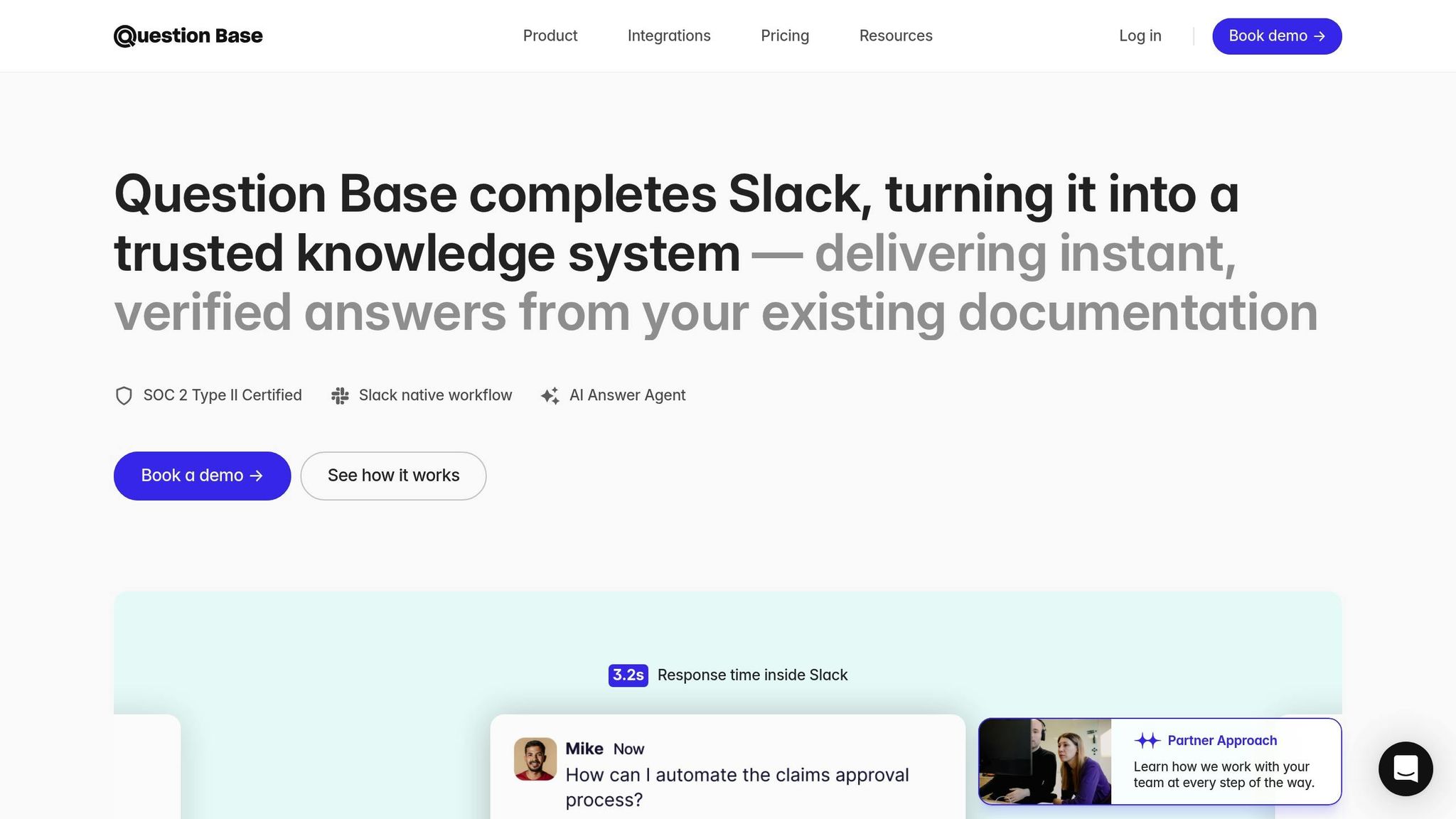
Picking an AI tool for Slack is key. The right one will help your group work fast and well. Some tools make things smooth, while some help you keep facts in line. What works best for you will depend on what your team needs the most.
Look at the Features
Here, we show how Question Base stacks up with Slack AI and others like Moveworks and Troopr. Each tool comes with good points, but they do things in their own way. When you see them side by side, you can choose which works best for your team.
Feature | Question Base | Slack AI | Other Tools (Moveworks, Troopr) |
|---|---|---|---|
Accuracy | AI gives answers, then people check them | All answers made by AI | Some just use AI, some use people for best work |
Data Sources | Works with many places: Slack, help sites, Salesforce, Confluence, OneDrive, more | Looks up old Slack chats and adds tools (Business+ & Enterprise plans) | Gets info from lots of spots like HR, IT, CRM, and more |
Knowledge Management | You can set rules for each chat, track issues, spot repeats, save new info fast | Has a channel expert on some paid plans | You can pick settings you want, can cover all needs from start to end |
Enterprise Readiness | Follows strict rules, keeps logs, works at your site if you need | Has built-in Slack guard features | May differ (Moveworks has big company features) |
Empathy & Escalation | Knows how people feel, checks words for mood | Can spot moods, can move big problems up | Can spot mood too, and send hard things up as well |
Pricing | $8 each user for each month | $18 each user for each month | Cost can change, ask for price |
Here is the rewritten text according to your rules:
This split shows why many big teams pick Question Base. It puts a strong light on being right and staying true to rules.
Slack AI is good at making talks short and easy to read. It can handle simple things fast. It can use chat history to find smart points and give fast help. But if you want sure answers you can trust, Question Base is safer. It is built to give real help, not just guess from old chats.
Question Base does not use old chats for its answers. It looks right at the group’s true rules and guides. If you want to know about how work is done or about tech stuff, the answers come from the top docs. You don’t get chat info reused or guessed - just what is written by your group.
Both of these bots can see signs of worry. Still, Question Base uses real people to check the facts. The AI makes the first answer, but a true person reviews it before it goes out. This step blocks wrong facts and keeps bad info from moving through the team.
Why Teams Like Question Base
Big teams find that Question Base has what they need most. Things like being right, having proof, and keeping control over what is shared are key. With Question Base, the info comes from your checked docs, not just chat talk. This helps teams be sure about what they hear.
Its rule-keeping power is a big plus for huge groups. It keeps data safe and fits with SOC 2 rules. It locks down data both when it is saved and when it moves, and you can set it up in your own space. It is strong for hard cases, such as HR asks or when teams want to guard their client info. Each answer can be traced - teams know where it came from and who checked it.
A big win is how Question Base links with other tools. Unlike Slack AI, which stays in Slack, Question Base talks to many places. It gathers data from platforms like Salesforce for sales, Confluence for tech docs, and OneDrive for team rules. All of it comes into an easy-to-reach spot.
The way Question Base helps with keeping track of info is great for teams that grow. It notes new questions that don’t get answers yet, marks repeats, and finds where your info is thin. If the bot cannot give an answer, it writes it down so the team can help later. This way, your info grows as your team grows.
Teams also love how they can set each channel how they wish. Your HR team can keep talks formal, while your tech team can be more direct. This keeps it real and meets the team’s style, even with bots in the mix.
Last, cost matters. Question Base is $8 for each user each month, much less than Slack AI’s $18 per month. For teams that need strong control of info and checked answers, this price gap is big, more so for large groups. Its lower cost makes Question Base work well for teams that are getting bigger and need smart info help.
Making Kind, Smart Workflows in Slack
Bringing the best things you know into Slack needs good thinking. You want it fast, but you also want it to feel real, like people. With clear steps, you can make smart, kind workflows that work well with your team in Slack.
Step 1: Link Main Tools Together
Start by joining big tools like Notion, Confluence, and Salesforce. This gives your team good info, not just things people say in chat.
Start with key files. Most teams put news in many places - Confluence has HR rules, Salesforce keeps sales plans, and Notion has project notes. With Question Base, linking them is easy. Secure APIs let you do it fast. You do not need a tech person.
Pick your top three tools first. This way, answers are right and clean. It helps your team trust the plan and you do not fill the system with too much stuff.
Keep data safe. Question Base uses strong safety to keep things safe - this means checks, locks, encryption, and who can see what. This keeps your team’s info protected when you join tools.
Once you link your tools, try some team questions. This can show what is missing. The answers pull from the right places and show you care about people while being smart.
Step 2: Set Up AI for Feeling and the Right Words
Good AI wins because it feels words, moods, and can care. Your system should spot when someone is upset or lost and give better help. AI should also know when it must ask a real person.
Check the emotion and rush level. For example, AI should say, “I see this is hard. Let’s solve it quick,” instead of just saying the same thing.
Set clear rules for tough stuff. The AI must know when to stop and call in a person. Some things, like HR or big customer problems, should go to real humans. With Question Base, you set which talks need this help - HR gets more eyes, for example.
Change how AI talks by team. Tech folks might want smart words. Teams that help people like it more friendly. Make the AI use words and tone each group likes. This makes talks better.
Get ready for tough times. Have plans for tricky stuff, like private questions or things for many groups. Teach the AI what to do in these hard cases so you don't lose trust.
Step 3: Watch and Change Workflows Often
Starting your system is just step one. To make it great, you have to keep making changes as you learn how people use it and what they say.
Track real numbers. Question Base has tools to see how things go. Look at things like - how often does AI get the answer right, how many questions are solved with no person needed, and how many times the system does not help. These points show how to get better.
Fix bad parts in order. If the AI cannot answer or gets it wrong, take it as a way to improve. These spots show where you can teach the AI or add info.
Keep checking, fixing, and learning so the smart, kind workflows help your team do more, feel cared for, and get the real help they need in Slack.
Make feedback loops. People on your team who use AI each day often see the same problems come up again and again. Talk to team leads often to spot these loops. Doing this can help you find key trends and fix your rules for what to do next.
Keep info up to date. What your team knows must change as your group grows. If you make new rules or change how things get done, add them fast. Take good talks from Slack or other chats, and save them so your team can use them later. Tools like Question Base let you turn smart answers from Slack into guides for all.
Check how happy and quick your team is. Use simple polls or check how long it takes to fix things. See how often problems need to be sent to higher-ups. Keep watching these numbers to know if things work well for your team. This helps you make sure your ways of working help get the job done and keep your team happy.
Keep checking and improving how you work so you can stay sharp as your team grows or shifts. Looking at new signs or input from your team stops small problems from turning into big ones. Regular care helps keep your group strong and quick.
Wrap Up: Get More Value with People First
Mixing smart tech and real care can help you get real results. When you use fast AI and work with real people, you build a strong way to do things well, as we have shown. When you blend auto tools and care inside Slack, you help your team work better and make your staff feel good about what they do.
How to See If You Succeed
To check how well your flow works, watch for things like how much gets fixed, how much is done by machine, and how happy your team is. Tools like Question Base make this easy since they come with ways to look at the data. These tools let you see how many things your team asks, how much help is done by AI, and show where you can do better. Plus, they cost less than many other tools you might use.
"Our products derive from our challenges. That's why we're able to build them with empathy." - Abhash Kumar, Vice-President of Marketing at Springworks
Springworks shows how this works by watching these numbers with their Slack tools and their EngageWith app. This app lets teams thank each other with ease but still feels close and warm. Abhash Kumar, who leads their marketing, says this new way has helped people work together and get more involved.
Also, research from Sprinklr shows that having more helpers in one workflow can make things faster and still keep care and rules in check. By checking for weak answers, teams can spot parts that need to get better or may need a real person’s help. These numbers not just prove your plan works, but help you fix the mix between using machines and showing care.
Final Thoughts
By using what the numbers show, you can keep your focus on caring about people. The best smart tools do not take the place of real bonds - they make them stronger. When you let machines do dull work, your team can use their time for talks that matter more.
Begin by making simple goals that mix speed with care. Let smart tech answer easy asks so your people can use their minds on hard and deep talks. Keep checking your numbers and ask for thoughts to always make your way better.
As your group gets bigger, your way of doing work should change to face new tests. Watch for problems before they grow so your team can stay quick and backed up. Teams that find the right mix between smart tools and care solve things fast, save effort, and help folks stay keen. This is how you get real value while still putting people first.
FAQs
What sets Question Base apart from Slack AI in terms of accuracy and data sources?
Question Base gives you answers checked by experts. It looks for info in places people trust, like Notion, Confluence, and Salesforce. This means you get points that are true and backed by good sources. Slack AI, on the other hand, mostly looks at past chats on Slack, which can miss out on needed details and may not always be clear or right.
Besides that, Question Base works well with many office apps, so teams can find up-to-date info fast when it is needed. This helps groups like HR, IT, and operations who need to be sure that what they know is true. These teams care about having right facts, being able to trace where the info came from, and keeping control of what is shared.