∙
Cooper
∙
Reading time:
20 min

Repetitive questions and scattered knowledge slow teams down. If your employees waste hours searching through Notion, Confluence, or Slack for answers, it’s time to rethink your knowledge strategy. A well-structured, AI-ready system can save time, improve productivity, and make information retrieval effortless.
Here’s how to organize your knowledge for AI tools like Question Base:
Review Needs & Data Sources: Identify high-priority questions and locate where your key information resides (e.g., Slack, Google Drive).
Build a Clear Structure: Group content into logical categories and subcategories that reflect team workflows.
Connect Knowledge to AI: Link tools like Notion and Confluence to AI platforms for centralized, searchable access.
Set Verification & Access Controls: Ensure accuracy with expert validation and secure role-based permissions.
Continuously Update: Monitor gaps, review content regularly, and refine based on analytics and feedback.
With these steps, you can transform scattered information into a streamlined, AI-powered knowledge system that works inside Slack. Tools like Question Base integrate directly with your existing platforms, delivering verified answers in seconds while improving team productivity by up to 35%.
How to Create an AI Knowledge Base: Step-by-step Tutorial | ClickUp
Step 1: Review Knowledge Needs and Find Data Sources
Building an effective AI-driven knowledge system begins with a clear understanding of what your team needs to know and where that information currently resides. Many companies discover that their most important knowledge is spread across multiple platforms, leaving employees spending 20–30% of their time searching for information instead of focusing on their work[5].
Identify High-Priority Information
Start by pinpointing the questions and issues that consume the most time or create bottlenecks in daily operations. For instance, 80% of employees prefer asking questions in chat over searching through a wiki[5], making Slack channels a goldmine for understanding what your team truly needs. These recurring questions often highlight areas where better documentation could have a significant impact.
Addressing these repetitive queries can free up experts to focus on more strategic tasks, potentially saving up to 6 hours per week per expert[5]. Common high-priority topics include IT support (like password resets or troubleshooting software), HR policies (such as benefits and leave requests), onboarding guides, and workflow documentation.
But don’t stop at Slack. Broaden your scope by examining support tickets, help desk logs, and feedback from team leads. This comprehensive review will give you a clear picture of your organization’s knowledge needs. Once you’ve identified these high-priority areas, the next step is to evaluate your existing documentation for gaps.
Assess Current Knowledge Gaps
With a clear understanding of what employees need, it’s time to figure out where your current documentation is falling short. Research shows that 37% of knowledge base projects fail due to unclear objectives and milestones[2], which is why a thorough gap analysis is essential.
Review your existing knowledge assets - wikis, shared drives, help centers, and other documentation tools - for outdated content, missing procedures, or information that’s hard to locate. Pay close attention to areas where employees frequently ask for clarification or additional details. These patterns can reveal where your documentation isn’t meeting their needs. Use search analytics to identify queries that yield poor or no results, and encourage employees to flag unclear or missing content in Slack or other communication tools. This feedback loop can help you continuously refine your knowledge base.
Often, the most telling gaps surface when you compare what employees ask in Slack to what’s already documented. If a process is supposedly covered in your handbook but employees still ask about it, there’s likely an issue with either the clarity or discoverability of that information. Addressing these gaps ensures your team has reliable resources to turn to.
Select Reliable Data Sources
Once you’ve identified the gaps, it’s time to choose data sources that are accurate and up-to-date. Focus on sources that are regularly maintained and widely trusted within your organization.
Question Base simplifies this process by connecting directly to trusted platforms like Notion, Confluence, Google Drive, Salesforce, Zendesk, and Intercom. However, it’s crucial to evaluate the quality of these sources. For example, a Confluence space that hasn’t been updated in six months won’t provide the accuracy your AI system needs, no matter how thorough it once was.
Integrating these sources is straightforward. Install Question Base through the Slack App Marketplace to instantly link your trusted documentation.
For enterprise teams, accuracy and security are non-negotiable. Question Base meets SOC 2 Type II standards and supports on-premise deployment, ensuring that sensitive information stays secure while remaining accessible to authorized users. This robust approach allows organizations to maintain control over their knowledge while improving accessibility.
The benefits of connecting reliable data sources are clear. Teams using Question Base achieve an average response time of just 3.2 seconds and automatically resolve 35% of repetitive questions, saving over 6 hours per week for internal experts[5].
While Slack AI can help individuals work more efficiently by summarizing conversations or generating quick responses, Question Base is designed to keep entire teams aligned and unblocked. It’s purpose-built for support teams, HR, IT, and operations, where verified accuracy and enterprise-level control are essential.
Step 2: Build a Clear Knowledge Structure
Once you've pinpointed reliable data sources, the next step is to organize your content into a structured, logical framework. A well-thought-out knowledge structure is essential for effective AI retrieval. Without it, even the best documentation can become a maze, frustrating employees and slowing productivity. A streamlined knowledge base makes information easier to find, helping your team work smarter, not harder.
Group Information into Categories and Subcategories
The backbone of effective organization is grouping content into hierarchical categories that mirror your team's natural workflow. Start with broad categories that align with major business areas - like HR, IT, Sales, Product Support, and Operations - and then break these down into more specific subcategories.
For instance, under the "HR" category, you could create subcategories for "Benefits", "Policies", "Onboarding", and "Performance Reviews." Meanwhile, an "IT Support" category might include subcategories like "Password Management", "Software Troubleshooting", and "Hardware Requests." This kind of structure allows employees to easily navigate from general topics to specific answers.
Consistency in naming is just as critical. Use clear, straightforward terms to avoid confusion. Instead of vague labels like "Project Alpha Resources", opt for something like "Product Development Guidelines" or "Engineering Standards." Descriptive, standardized names help both employees and AI tools quickly grasp the content's purpose and context.
To further enhance searchability, use tags and metadata thoughtfully. Every document or resource should include relevant tags that reflect its category, topic, and target audience. This practice improves both manual searches and AI-driven retrieval, ensuring tools like Question Base can deliver the right information when it’s needed most.
Align with Team Workflows and Processes
Your knowledge structure should reflect how your teams actually operate rather than an idealized version of their workflows. This alignment ensures that the information is practical and immediately useful. Collaborate with stakeholders from each department to identify their most frequent needs and typical processes.
For example, if your sales team often refers to pricing sheets during client calls, create a "Sales Resources" category with easy access to pricing documents, proposal templates, and competitive analyses. Similarly, for support teams handling escalations, organize troubleshooting guides by product line and severity level to match their ticketing system structure.
Think about the sequence of steps in common workflows. For instance, an onboarding process may start with HR policies, move to IT setup guides, and then transition to role-specific training materials. Arrange your knowledge base to follow these natural progressions, making it easier for employees to navigate complex tasks without unnecessary effort.
Pay special attention to cross-functional topics that span multiple departments, such as compliance, customer insights, or project management. Create shared categories for these areas and use cross-referencing to connect related information across sections. Assign clear ownership for each shared category to ensure the content stays accurate and up to date.
With a robust structure in place, you can extend this organization to Slack, turning it into a hub for real-time knowledge sharing.
Use Slack Channels for Knowledge Sharing
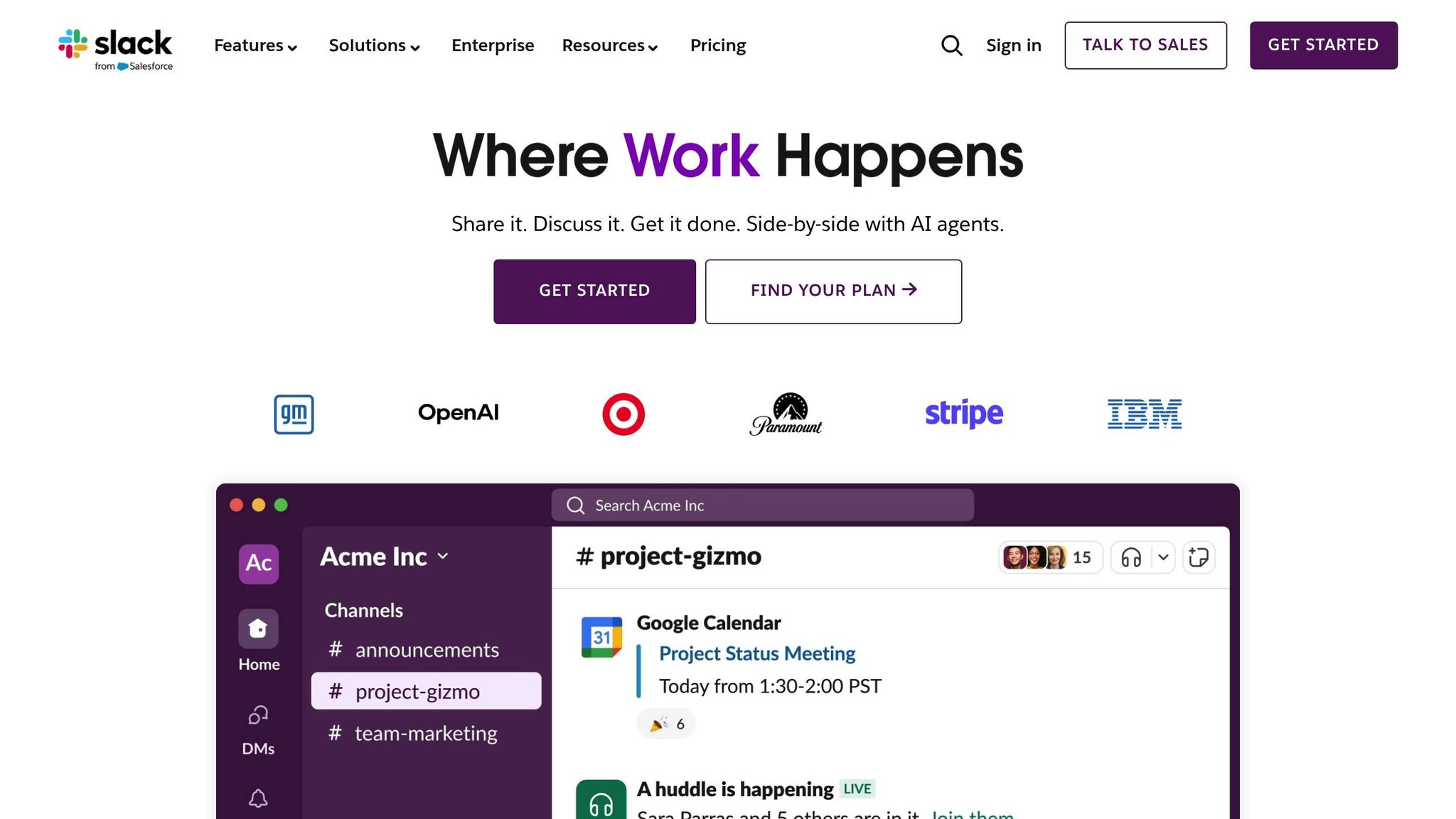
Slack channels can bridge formal documentation with live discussions. Use consistent naming conventions like #hr-policies, #product-faqs, or #it-support-general to make channels easy to navigate and intuitive for team members.
Document your naming standards and share them with the team to avoid duplicate or overlapping channels. For example, decide whether to use department prefixes (e.g., #sales-resources) or topic-based names (e.g., #pricing-updates) and stick to the chosen format.
Take advantage of Slack’s features to enhance organization. Pin key resources in each channel so new members can quickly get up to speed. Use the topic and description fields to clarify the purpose of each channel. For instance, a #product-updates channel might specify whether it covers all products or only a specific line.
Regularly auditing your channels helps maintain order over time. Archive inactive channels and merge those with redundant content to prevent information scattering. This ensures employees always know where to go for the most current and relevant knowledge.
With this framework in place, Question Base takes it a step further by indexing connected documents. When someone asks a question in Slack, it can instantly pull relevant information from tools like Notion, Confluence, or Google Drive. This transforms your well-organized knowledge base into a dynamic support system that evolves alongside your team’s needs.
Step 3: Connect Knowledge Sources with AI Tools
Once you've set up a clear knowledge structure, the next step is to link these sources using AI. By integrating your structured data sources with AI, you create a centralized, searchable hub that employees can access without ever leaving their workflow.
Link Documentation Tools
To make this work effectively, pick an AI solution that integrates smoothly with your existing documentation tools. For instance, Question Base connects with platforms like Notion, Confluence, and Google Drive.
Getting started is simple. With Question Base, all you need to do is install the app from the Slack App Marketplace, invite the bot to relevant channels using the command /invite @questionbase, and follow a guided setup to link your documentation tools. This plug-and-play setup ensures your team can begin retrieving answers right away.
Question Base also prioritizes security, offering SOC 2 Type II compliance, encryption, and even on-premise deployment options. This means your intellectual property stays protected while remaining accessible to the right people.
You can also customize how the AI behaves, set access permissions, and define escalation flows. This ensures the AI aligns with your internal policies and delivers information consistently across the organization.
Flexibility in integration becomes increasingly important as your company grows. Organizations that effectively use connected knowledge bases see a productivity boost of about 35% by simplifying access to information[2]. Plus, the ability to add new documentation tools without disrupting workflows ensures your system evolves with your business.
Now that your tools are connected, let’s take a closer look at how Question Base stacks up against Slack AI.
Comparison: Question Base vs Slack AI
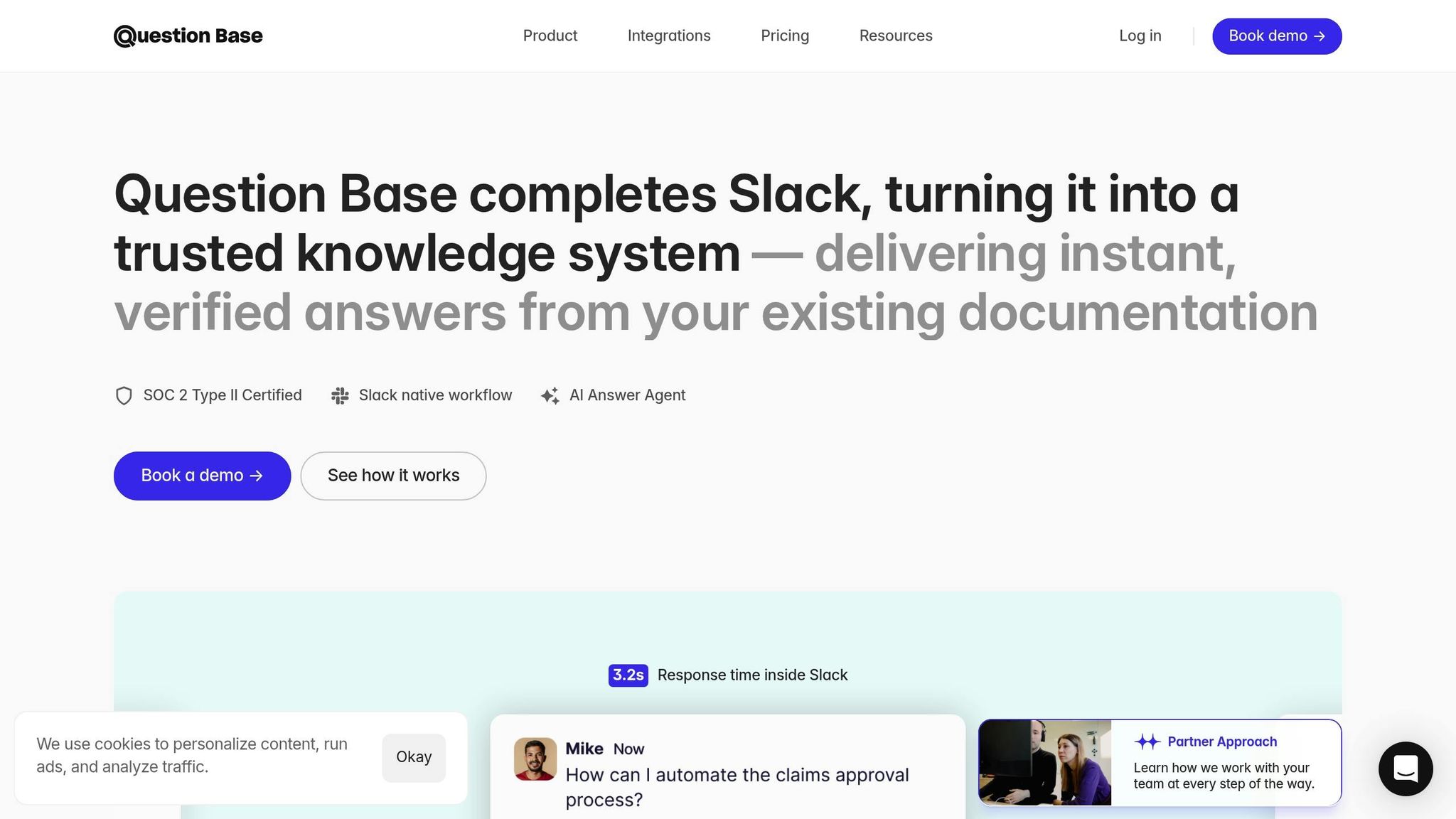
While Slack AI provides basic search functionality within Slack, specialized tools like Question Base offer deeper integrations and features tailored for enterprise needs. Understanding the differences can help you choose the best solution for managing your organization's knowledge.
Feature | Question Base | Slack AI |
|---|---|---|
Data Sources | Supports Notion, Google Drive, Confluence, Zendesk, Intercom, Salesforce, Dropbox, and more | Focused on Slack messages and files |
Setup & Deployment | Quick, no-engineering installation | Native integration with limited customization |
Security & Compliance | SOC 2 Type II, encryption, on-premise options | Standard Slack security protocols |
Customization | Full control over access, AI tone, escalation flows | Minimal customization available |
Enterprise Features | Includes white-labeling, multi-workspace support, and tailored options | Basic enterprise functionality |
Analytics & Reporting | Offers content gap analysis, usage metrics, and audit tools | Limited reporting capabilities |
Slack AI is great for summarizing conversations and improving general productivity within Slack. However, if your team needs reliable answers from verified documentation rather than AI-generated interpretations of chat history, Question Base delivers a more robust solution.
The key difference lies in data sources and accuracy. Slack AI relies primarily on your team's chat history, which can lead to outdated or incomplete answers. In contrast, Question Base connects directly to your trusted documentation, ensuring employees get accurate, expert-reviewed information.
Enterprise teams often turn to Question Base when precision, auditability, and control over knowledge are top priorities. With features like tracking unanswered questions, identifying content gaps, and providing detailed analytics, Question Base helps organizations refine their knowledge base based on real-world usage and employee needs.
For companies handling sensitive data or navigating complex compliance requirements, Question Base’s enterprise-grade security and on-premise deployment options offer the control and reassurance that standard cloud-based tools might lack.
Step 4: Set Up Verification and Access Controls
Now it’s time to focus on verification and access controls to ensure your AI-generated responses are accurate, secure, and aligned with your team’s needs. These steps are critical for maintaining trust and reliability in your AI system.
Allow Expert Verification
Human oversight is the backbone of any dependable AI knowledge system. Without it, AI responses risk being outdated or incorrect. That’s why Question Base includes a built-in process for expert verification. Subject matter experts review and validate responses before they’re shared with employees, ensuring accuracy and relevance [5].
This verification process integrates smoothly into existing workflows. With Question Base, experts can revise and refine answers directly within Slack. If the AI generates a response that needs tweaking, experts can simply reply in the Slack thread to make updates.
Verification should involve the right stakeholders for each type of content. For example:
IT teams can validate technical documentation.
HR departments can oversee policy-related responses.
Customer support teams can confirm customer-facing materials.
Experts can also step in when confidence scores dip below 70%, when a query involves sensitive topics, or when users specifically request human review. This approach ensures that responses remain trustworthy and aligned with your team’s expectations [1].
Create Custom Permissions
Role-based access controls are essential for secure knowledge management. By structuring permissions, organizations can ensure that users only access the information they need [1]. Question Base allows you to define exactly which content sources and tools each Slack user or channel can query, offering precise control over what’s accessible.
A logical hierarchy for permissions might look like this:
General company policies and public documentation are accessible to all employees.
Department-specific teams access operational procedures and project-related materials.
Managers can view performance data and team-specific resources.
Executives gain access to strategic and financial insights [1].
Additionally, per-channel settings let organizations adjust AI behavior, tone, and accessible resources to suit specific teams or topics [5]. For handling sensitive information, content can be classified into categories - such as public, internal, confidential, and restricted - determining what the AI can access and share with different user groups [1].
With permissions in place, the next step is to bolster your system with enterprise-level security.
Apply Enterprise-Level Security
For large organizations, basic access controls aren’t enough. Enterprise-grade security measures are crucial. Question Base offers SOC 2 Type II compliance and full data encryption to safeguard sensitive information [1]. For those requiring strict control over data, on-premise deployment options ensure data stays where you need it [1].
Audit trails and logs provide an added layer of security by monitoring access and supporting regulatory compliance. Regularly reviewing these logs helps identify unusual activity or potential risks.
Regulated industries face additional challenges:
Healthcare organizations must meet HIPAA requirements.
Financial services need to comply with SOX.
European companies must address GDPR mandates, including data retention and right-to-deletion policies [1][4].
Organizations should also establish incident response procedures before deployment. If misinformation is detected, the process should include updating source documentation, retraining the AI model if necessary, and informing affected users [1] [3].
To stay ahead of potential threats, regular security assessments and penetration testing are essential. Question Base’s enterprise features - like white-labeling, multi-workspace support, and custom security options - are designed to meet the unique demands of large organizations [1].
"Plus it's easy to verify answers as new questions come along." - Monica Limanto, CEO, Petsy [5]
Step 5: Update and Improve Your Knowledge Base
Once your knowledge sources are connected and secured, the next step is keeping them up-to-date. Regular updates are vital to ensure your system remains accurate and useful. The secret to long-term success lies in setting up clear, repeatable processes for ongoing improvement.
Plan Regular Content Reviews
Scheduling regular reviews is crucial for maintaining a reliable knowledge base. A good starting point is conducting quarterly audits to check for accuracy, version control, and relevance.
Assign specific content owners to oversee different sections of your knowledge base. For instance, technical documentation might fall under your IT team, while HR could manage policies and procedures. This ensures that subject matter experts are responsible for keeping their respective areas current and accurate.
Automated tools can simplify this process by flagging content that hasn’t been updated within a set timeframe, typically every 6–12 months, depending on how quickly your industry evolves [1][3].
Maintaining an effective knowledge base can boost team productivity by an average of 35%, as it streamlines access to information [2]. However, 37% of these projects fail due to unclear goals and milestones. Regular reviews help prevent these pitfalls, ensuring your knowledge system remains aligned with your team’s needs [2].
Monitor Knowledge Gaps and Missed Questions
Tracking unanswered questions is one of the most effective ways to identify weaknesses in your knowledge base. Question Base offers tools that log every query the AI cannot resolve, giving you a clear roadmap for improvement.
This approach goes beyond basic search analytics. By monitoring unanswered and duplicate questions, you can pinpoint content gaps and improve the discoverability of existing information [3]. Question Base’s analytics dashboard highlights these missed opportunities, helping knowledge managers prioritize updates based on real user needs.
What sets Question Base apart is its ability to capture new, frequently asked answers directly from Slack conversations. Instead of letting valuable insights get buried in chat threads, the platform integrates them into your documentation. This ensures that everyday discussions contribute to a growing, structured knowledge base.
Apply Analytics for Knowledge Improvement
Once you’ve tracked gaps and reviewed content, analytics become your guide for fine-tuning. Metrics like resolution rates and automation rates act as the pulse of your knowledge base, showing not only what’s working but also where improvements will have the most impact [3][6].
Question Base provides detailed analytics, including data on questions asked, resolution rates, automation rates, and unhelpful answers flagged by users [5]. These insights empower knowledge managers to make informed decisions about updating content and allocating resources effectively.
Metric | What It Measures | How to Use It |
|---|---|---|
Resolution Rate | Percentage of questions answered successfully | Identify high-performing content areas |
Automation Rate | Queries resolved without human help | Measure AI effectiveness and content quality |
Unhelpful Answers | Responses marked as unsatisfactory | Pinpoint content needing refinement |
Special attention should be given to unhelpful answers. When users flag AI responses as unsatisfactory, it highlights specific content that needs improvement. Question Base tracks this feedback, enabling teams to refine answers systematically [5].
The platform also learns from team discussions in Slack. As solutions are shared in conversations, Question Base identifies recurring answers and suggests adding them to your documentation. This creates a self-improving system that evolves alongside your organization’s needs.
By combining regular reviews, gap tracking, and analytics-driven updates, your knowledge base becomes a dynamic asset. Instead of becoming outdated, your AI-powered system adapts to meet your team’s changing demands.
"We implemented Question Base to eliminate repetitive questions and collate answers and information in one place for a growing team. Question Base has exceeded our expectations - it's easy to use, intuitive, and a massive time saver. We now have a reliable and useful knowledge base, making it easy to share knowledge across the team. We no longer have staff waiting on busy managers for an answer; Question Base is there in seconds, plus it's easy to verify answers as new questions come along."
– Monica Limanto, CEO, Petsy [5]
Conclusion: Getting the Most from AI-Powered Knowledge Retrieval
By following these five steps, your organization can revolutionize how it handles knowledge within Slack. This structured approach doesn’t just simplify searches - it fosters an environment where continuous improvement becomes second nature. Companies adopting this method report an average 35% boost in productivity, as employees spend less time hunting for answers and more time focusing on meaningful work [2].
Take Question Base, for instance. It demonstrates how specialized tools can supercharge this process. While Slack AI enhances individual productivity, Question Base ensures your team gets reliable, enterprise-grade answers. It connects directly to trusted documentation platforms like Notion, Confluence, and Salesforce, delivering verified responses instead of relying on AI-generated interpretations of chat history.
With SOC 2 Type II compliance and enterprise-level security, Question Base is designed for organizations that handle sensitive data. Its features, such as content gap reporting and automated knowledge capture from Slack, provide dynamic, verified answers without requiring engineering resources.
For teams aiming to excel in knowledge management, the difference is clear: Slack AI helps individuals work faster, while Question Base keeps entire teams aligned and free from bottlenecks. Its analytics tools ensure your knowledge base evolves alongside your organization, creating a system that improves with every interaction.
By applying this five-step framework - from assessing needs to embracing continuous improvement - you can turn routine questions into opportunities for growth. Organizing knowledge for AI retrieval isn’t just about deploying technology; it’s about building a workplace culture where information flows seamlessly and accurately, strengthening your team’s collective intelligence.
With the right AI-powered tools, your scattered information transforms into a secure, dynamic system that grows smarter and more effective with each use. Your knowledge base should do more than just store information - it should empower your team to thrive.
FAQs
How does Question Base ensure accurate and secure AI-powered answers?
Question Base prioritizes accuracy by delivering expert-verified answers directly from trusted platforms like Notion, Confluence, and Salesforce. By bypassing AI interpretations of chat history, it ensures your team receives consistent and reliable information every time.
On the security front, Question Base is designed with enterprise-level safeguards. It includes SOC 2 Type II compliance, encryption both at rest and in transit, and even offers optional on-premise deployment. These features work together to keep your data private and secure while allowing your team to access knowledge effortlessly.
How does Question Base differ from Slack AI in terms of integration and functionality?
Question Base integrates seamlessly with your trusted knowledge hubs like Notion, Confluence, and Salesforce. Unlike Slack AI, which leans heavily on chat history, Question Base ensures that responses are accurate, verified, and rooted in your enterprise's official documentation.
Beyond these integrations, Question Base brings powerful tools to the table, such as case tracking, customizable per-channel settings, and AI that identifies and learns from knowledge gaps. These features make it an excellent choice for teams seeking scalable and dependable knowledge management solutions. By contrast, Slack AI prioritizes summarizing conversations and enhancing general productivity.
How can organizations find and fix gaps in their internal knowledge base?
Organizations can tackle knowledge gaps more effectively with an AI tool like Question Base. By monitoring Slack activity, it pinpoints frequently asked questions and recurring themes, revealing areas where documentation might be lacking or incomplete.
This analysis allows teams to refine their knowledge base continuously. The result? Employees gain access to accurate, current information, while the volume of repeated questions decreases, streamlining workflows and boosting productivity.